Reel Director

Blender 4.2+ / Animation add-on

ReelDirector

For 3D content creators.

Turn the Blender scenes you already have into Instagram Reels, TikToks, and YouTube Shorts. Direct the camera, style the shot, and export from one panel.

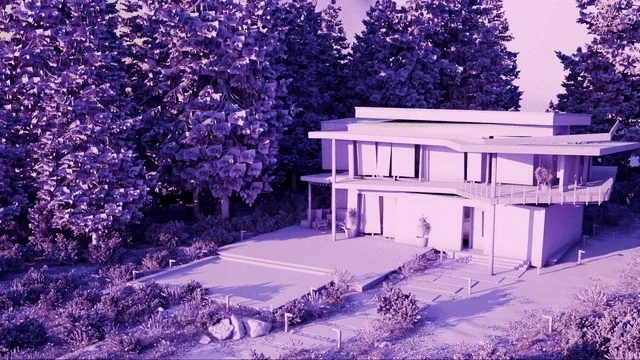
A violet clay villa assembling in a wooded landscape
Architectural reveal Play demo
Camera moves · Base / Pro
32 / 36
Object animations
17
Viewport styles
20+
Clay color control
Full RGB

The workflow

Inside the shot.

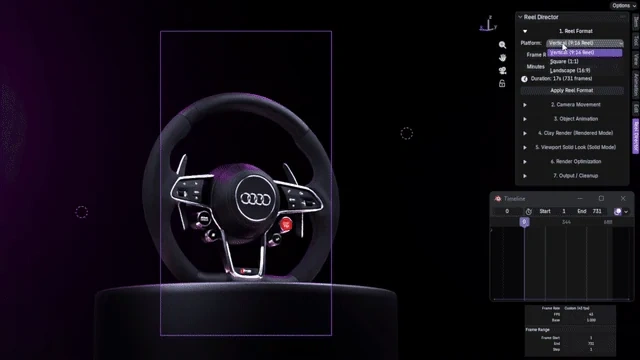
Setting the output format around a steering wheel in Blender
Reel format Play demo

Reel format

Start with the format.

Frame a vertical 9:16 reel, a 3:4 or 4:5 Instagram post, a square 1:1 shot, or a 16:9 landscape. Choose HD, FHD, 4K, or 8K, set the frame rate and duration, then apply the format in one step.

Retiming in Pro

Keep camera moves, object animation, and surface effects aligned with the final duration.
Open this guide chapter
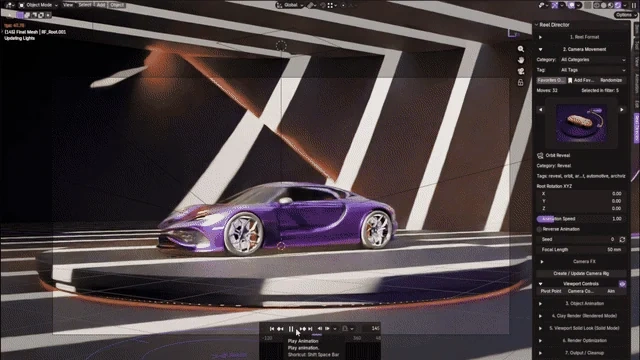
A camera move around a purple sports car in a studio
Camera movement Play demo

Camera movement

Direct the camera.

Choose from 32 Base moves for hero shots, reveals, orbits, architecture, and product showcases. Adjust the rig’s root and aim, tune focal length and speed, reverse the move, or try another seed on supported moves. Add depth of field, rack focus, handheld motion, or a smooth stop.

36 moves in Pro

Ribbon Dive, Focus Release Arc, Precision Sling, and Hero Rise Cut join the Base library. Apply reversible Cinematic, Warm, Cool, and Bleach Bypass camera filters.

Open this guide chapter
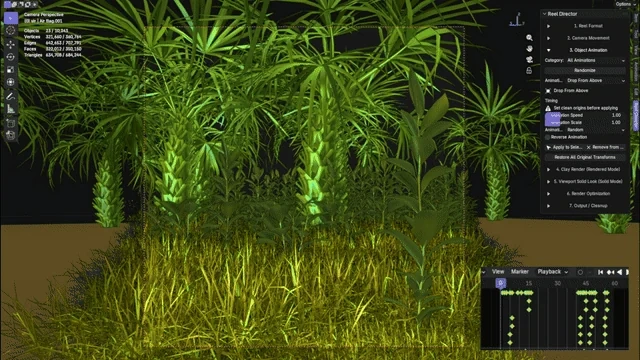
Animating objects in a planted Blender scene
Object animation Play demo

Object animation

Give objects their cue.

Build, reveal, assemble, explode, slide, scale, or float selected objects with 17 animations. Choose staggered, sequential, random, or all-together timing. Restore the original transforms when you finish.

Included in Pro

Combine object animation with per-object clay, Native Wool Style, or Lattice Surface while retaining the modifier stack.

Open this guide chapter
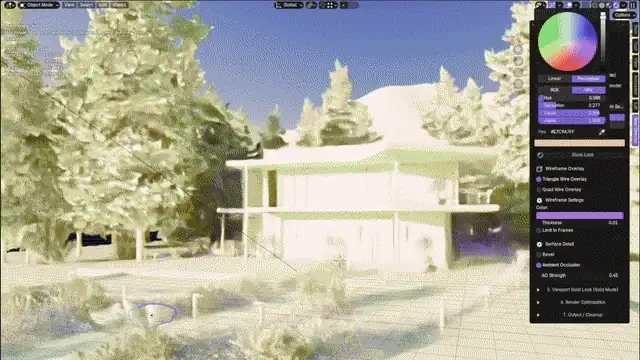
Adjusting clay and wire settings in an architectural scene
Clay render Play demo

Clay render

Show the work behind the render.

Use Clay Only for a full breakdown or the experimental clay-to-final reveal. Change clay and wire colors, switch between triangle and quad wire, or work with glass, bevel, ambient occlusion, and emissive preservation. Restore the original materials when you finish.

Per-object Clay Studio in Pro

Give each object its own clay color, wire color and thickness, glass, and textures. Start from a Clay + Wire or Glass preset. Seeds combine clay, wire, AO, tint, transparency, and roughness into repeatable looks. Save favorites in the .blend file.

Open this guide chapter
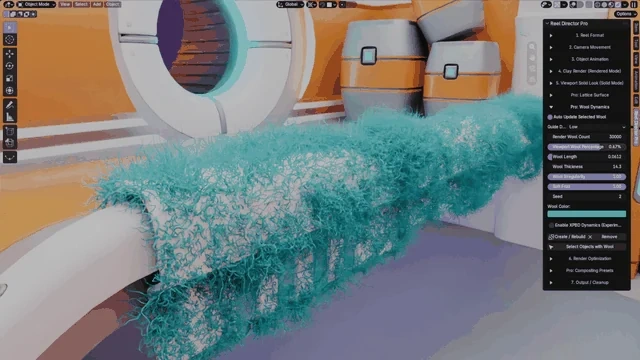
Adjusting a soft wool surface in Blender
Native wool style Play demo

Native Wool Style · Pro

Dress a surface in wool.

Use native hair tools in Blender 5.2 or later to create a wool-style surface on a selected object. Tune strand count, viewport percentage, length, thickness, irregularity, frizz, seed, and color. Add optional XPBD dynamics for motion.

Surface controls

Tune the selected surface from the panel. Use it alongside clay, MatCaps, object animation, and camera moves.

Open this guide chapter
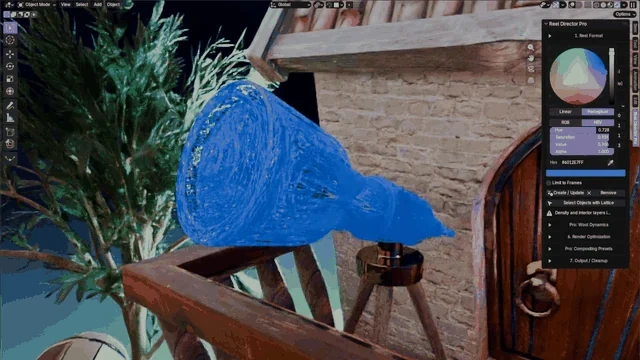
Creating a blue lattice on a selected mesh
Lattice surface Play demo

Lattice Surface · Pro

Build a lattice from the mesh.

Turn selected visible meshes into geometric surfaces with triangle or quad topology. Tune density, strut thickness, nested layers, interior spacing, color, and frame limits. Keep the original shell when the shot calls for it.

Scene limits

Hidden objects are skipped. The tool checks face count and estimated strut count, places the effect before subdivision modifiers, and updates colors without rebuilding the geometry.

Open this guide chapter
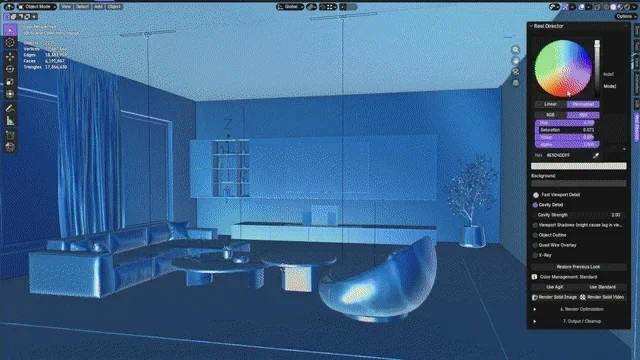
Testing solid viewport shading in an interior
Viewport solid look Play demo

Viewport solid look

Make the viewport part of the shot.

Choose from more than 20 stylized viewport looks. Shape the result with MatCaps, cavity, shadows, outlines, and X-ray. Export a Solid image or video, or use Material Preview output.

Included in Pro

Keep the full MatCap workflow alongside clay, wool, lattice surfaces, and camera or object animation.

Open this guide chapter
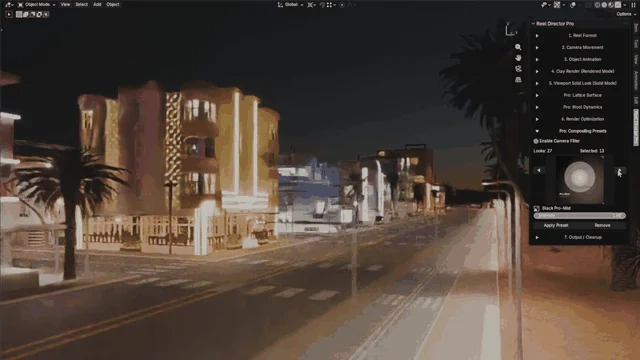
Applying a compositor look to a rendered street scene
Compositing presets Play demo

Render optimization

Choose a finish for the render.

Move from Fast Social Preview through Safe Speed-Up and Low Noise Balanced to Final Clean. Reel Director enables persistent data and spatial splits where Blender supports them.

Compositing presets in Pro

Apply a reversible finish, set its intensity, and remove it while preserving the original compositor connection. Explore eight examples in the look library below.

Open this guide chapter

Look development

The look library.

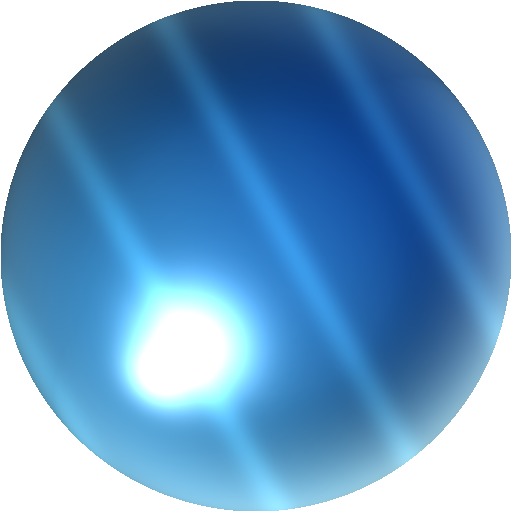
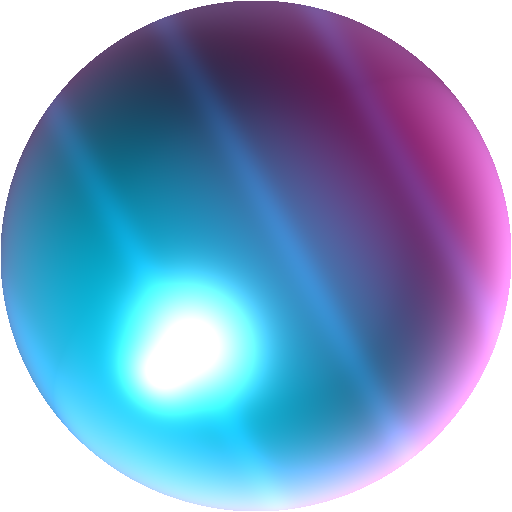
Inspect the MatCaps and compositor finishes from Reel Director.

Output & cleanup

Export the shot.

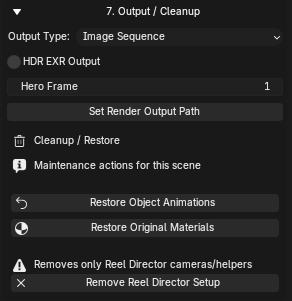
Render an image sequence, MP4 where supported, HDR EXR, or a hero frame. Set the output path, then restore the original transforms and materials or remove the generated setup.

Pro cleanup also tracks its private mesh copies, clay materials, filters, surfaces, camera controls, and animation helpers.

Read the output guide
Reel Director’s Output / Cleanup panel in Blender

Choose your edition

One workflow. Two editions.

Base edition

Reel Director

Formats, 32 camera moves, 17 object animations, clay breakdowns, viewport styles, render optimization, output, and cleanup.

Pro edition

Reel Director Pro

Everything in Base, with 36 total camera moves, camera filters, per-object clay and glass, saved presets, wool, lattice surfaces, and compositor finishes.

Open original image